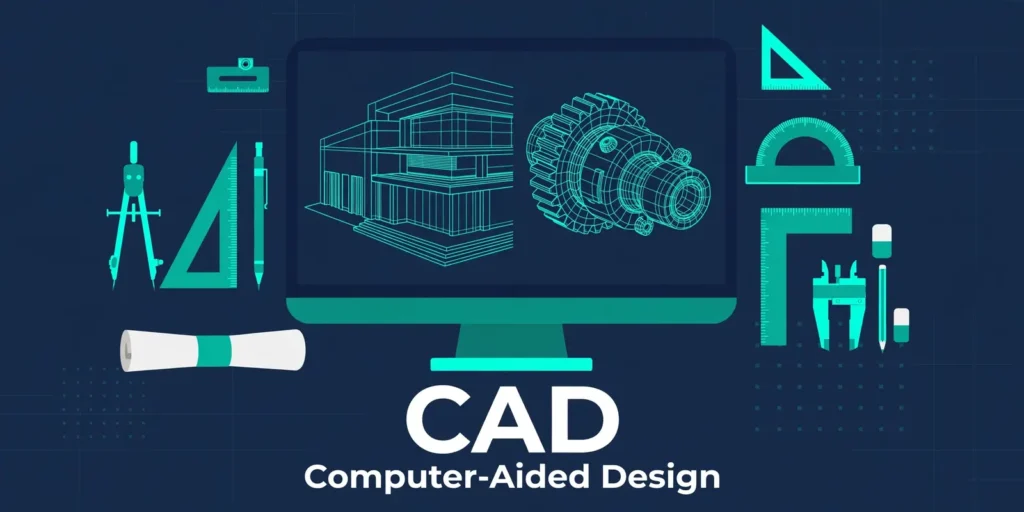
What does CAD stand for? CAD stands for Computer-Aided Design.
In simple words, CAD means using a computer to create, change, test, and improve a design before you build it. An architect can draw a building on a screen. An engineer can model a machine part. A designer can test a product shape. CAD turns an idea into a precise digital drawing or model.
Quick Reference
Full form: Computer-Aided Design. Short form: CAD. Read as: Initialism — “see-ay-dee”. Main use: 2D drawings and 3D models for design and making. Also heard as: Computer-aided drafting, and CADD (design and drafting). Not CAD: A photo, a sketch on paper, or a finished product itself.
Pronunciation
Say CAD letter by letter: “see-ay-dee”. Do not say it as one word.
Acronym or Initialism?
CAD is an initialism. In other words, you read its letters one by one. The word “acronym” is often used loosely for both, but CAD is not spoken as a word.
What Is CAD?
CAD software lets you draw with precision. You can set exact lengths, angles, and sizes. It also lets you copy a part, move it, and change it without redrawing the whole design. In fact, you can even test a model. For example, you can check if two parts fit together, or if a shape will hold weight.
There are two main types. For example, 2D CAD makes flat drawings, like floor plans and technical sheets. In contrast, 3D CAD makes solid models that you can turn, view from any angle, and use for making parts. Many modern tools do both.
What CAD Actually Does
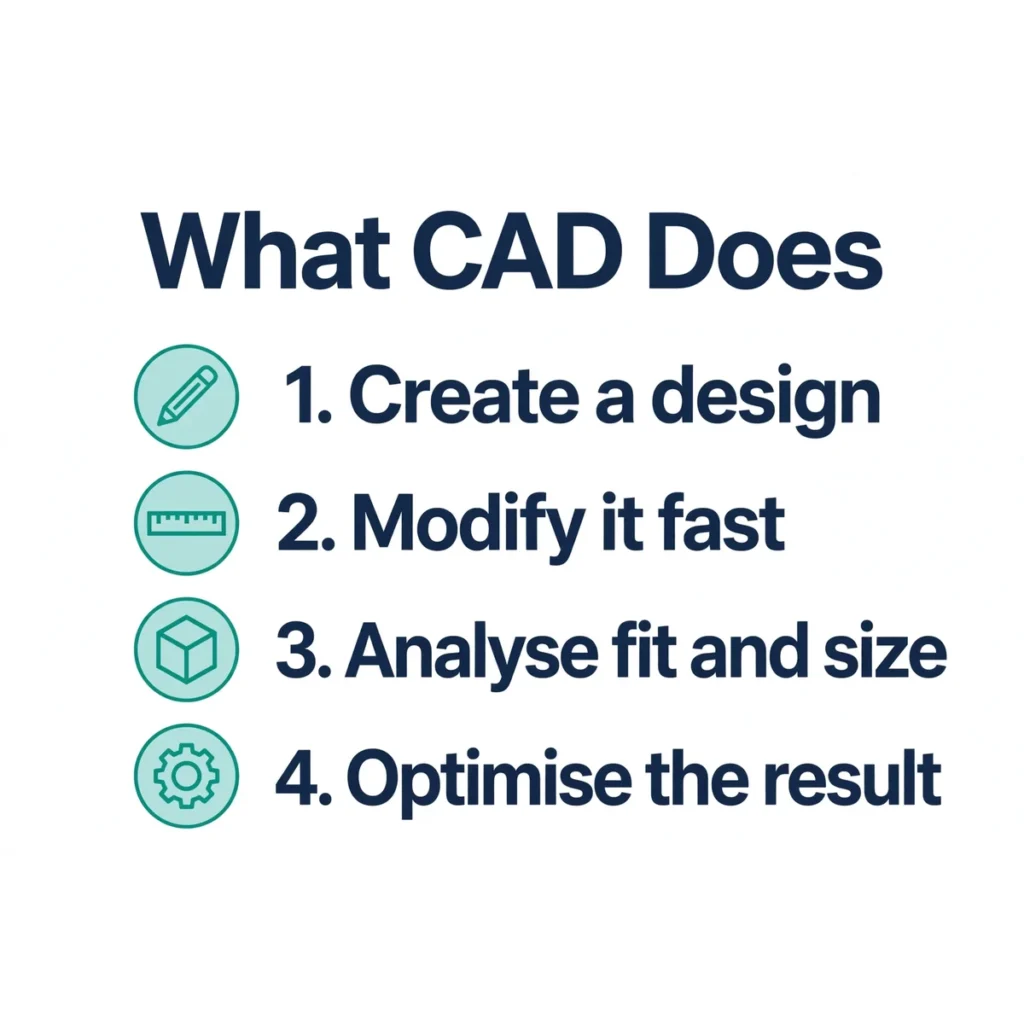
In fact, what does CAD stand for in daily work? CAD does four jobs, step by step. First, it creates a design, from a simple sketch to a detailed model. Second, it lets you modify that design fast, with exact measurements. Third, it helps you analyse it, by checking size, fit, and shape. Fourth, it helps you optimise it, by finding a lighter, stronger, or cheaper version.
In short, CAD saves time and cuts errors. A change on screen does not waste paper, wood, or metal. A team can share the same file, work on it together, and send it straight to a machine for making.
Where Is CAD Used?
In fact, CAD is used in many fields, for the same reason: precision matters.
Architecture — house plans, building layouts, and site drawings. Engineering — machine parts, bridges, cars, and aircraft parts. Product design — phones, furniture, toys, and home goods. Manufacturing — parts that a CNC machine can cut or print from a CAD file. Construction — detailed plans for builders, plumbers, and electricians. Fashion and jewellery — patterns, settings, and small detailed pieces.
Popular CAD tools include AutoCAD, SolidWorks, Fusion 360, and CATIA. Each tool suits a different job. However, all of them share the same basic idea: design on screen, then build from that design.
What CAD Has Achieved
CAD changed design work in a clear way. In contrast, before CAD, designers drew by hand on boards, with rulers and compasses. A small change could mean redrawing a whole sheet. CAD made changes fast, copies exact, and sharing easy.
It also made complex designs possible. A modern car, plane, or building has thousands of parts. For example, CAD lets a team check how those parts fit before anyone builds them. That cuts waste, lowers cost, and helps teams in different places work on the same project.
CAD also opened design to more people. Once CAD moved to personal computers in the 1980s, small firms and students could use tools that only large firms had before.
Where Did CAD Come From?
CAD has no single inventor. Its roots go back to the 1950s and 1960s, when large firms and labs first used computers for design.
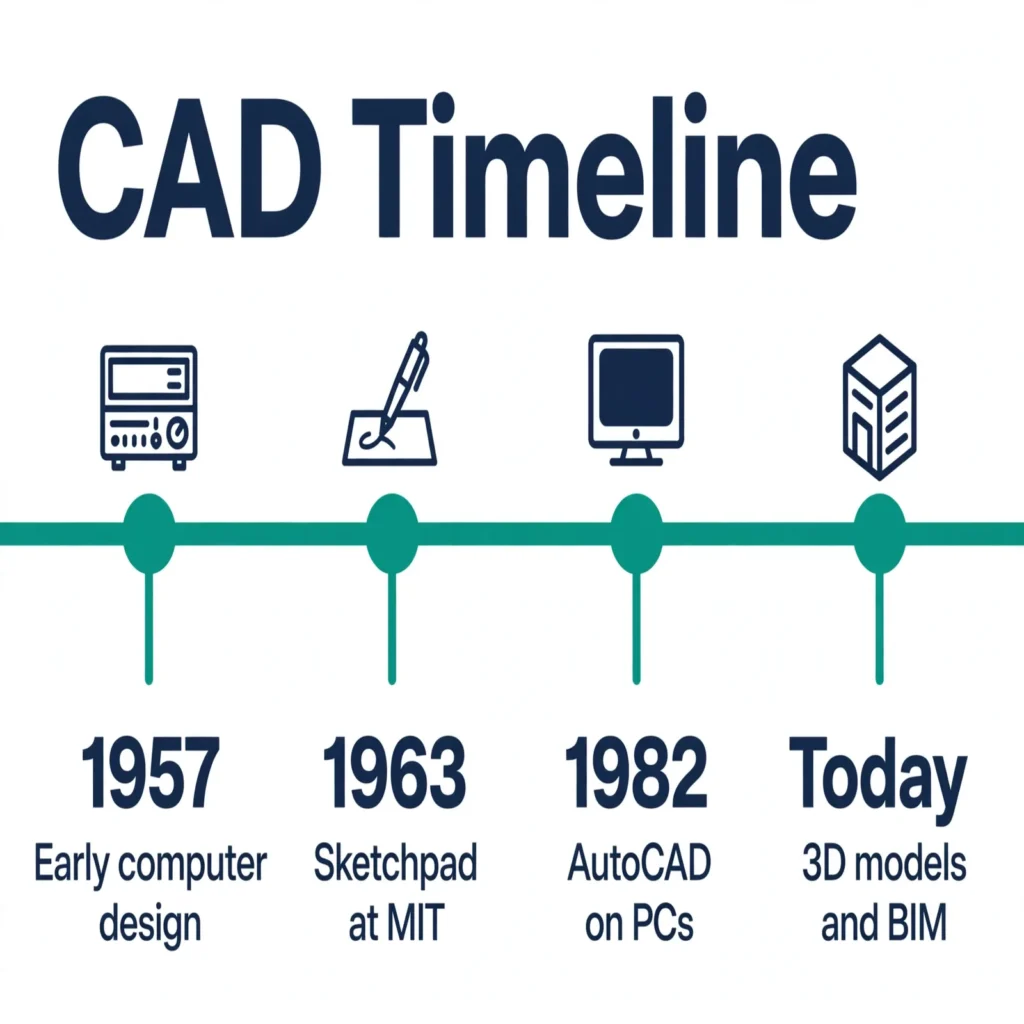
In 1957, Patrick Hanratty worked on a numerical-control programming system, an early step toward computer design. In 1963, Ivan Sutherland built Sketchpad at MIT. Sketchpad let a user draw on a screen with a light pen. It showed, for the first time, that a computer could help with visual design.
The term “computer-aided design” itself is linked to Douglas Ross at MIT in the early 1950s. He saw how radar display work could help with design on a screen. So CAD grew from many labs, not from one launch date.
How CAD Has Changed Over Time
CAD changed in three clear steps. First, it moved from hand drafting to 2D digital drafting. Early tools copied paper drawings, but with exact lines and easy edits.
Second, it moved to 3D modelling. In the 1970s and 1980s, tools such as CATIA and later parametric solid modelling let designers build real 3D shapes, not just flat views. In 1982, Autodesk released AutoCAD, which brought CAD to personal computers and made it far more common.
Third, it moved toward data-rich models. Building Information Modelling, or BIM, adds data to a 3D model, such as material, cost, and build order. CAD still focuses on geometry. BIM builds on that geometry with extra information. Today, cloud tools, 3D printing, and AI helpers continue that change, but the core job is the same: design precisely, then build from the design.
What CAD Cannot Do
CAD alone does not make a good design. In fact, it needs a skilled user, correct measurements, and clear rules. A precise drawing of a weak design is still weak. A CAD file also does not check every real-world limit on its own, such as local building codes or material supply. And CAD does not replace making and testing. A model must still be checked, built, and used in the real world.
CAD vs CAM vs BIM
CAD — Computer-Aided Design. You design the product or building. CAM — Computer-Aided Manufacturing. You use the design file to run machines that make the product. BIM — Building Information Modelling. You build a data-rich 3D model of a building, with material, cost, and timing data.
In short, CAD designs it, CAM makes it, and BIM tracks the building as a whole.
Other Meanings of CAD
CAD most often means Computer-Aided Design, but the same letters have other meanings in other fields. In money, CAD is the currency code for the Canadian dollar. In medicine, CAD can mean coronary artery disease. However, this post uses CAD to mean Computer-Aided Design, the dominant meaning in design and technology.
Not To Be Confused With
CADD: Computer-aided design and drafting. It is a longer form of the same idea, not a different tool. A drawing file: A CAD file is the digital design. The finished building or product is not CAD itself. 3D printing: A printer can make a part from a CAD file, but printing is making, not designing.
Myth vs Fact
Myth: CAD is only for architects. Fact: Engineers, product designers, makers, and builders all use CAD, in many fields.
Myth: CAD does the design for you. Fact: CAD helps you draw and test a design. You still make the design choices.
Myth: A 3D model is the same as a finished product. Fact: A model is a plan. It must still be made, checked, and tested.
Used in a Sentence
“She used CAD to draw the floor plan for the new house.” “The engineer checked the CAD model before the part was made.” “CAD stands for Computer-Aided Design, not just drawing on a computer.”
FAQs
What does CAD stand for? CAD stands for Computer-Aided Design. It means using a computer to create, change, and test a design.
Is CAD only 2D drawing? No. In fact, CAD includes 2D drawings and 3D models. Many tools do both.
Who uses CAD? In fact, architects, engineers, product designers, builders, and makers use CAD to plan and test designs before building.
Is CAD the same as CAM? No. CAD designs a product. In contrast, CAM uses that design to run machines that make it.
Conclusion: What Does CAD Stand For?
In short, what does CAD stand for? CAD stands for Computer-Aided Design — a tool for precise design, not a finished product. It lets you draw, test, and improve an idea on screen, then build from that exact plan. That simple idea — design first, in detail, on a computer — is why CAD is now used in almost every field that makes things.

Founder & Editor, Linktova. Arshad Ullah is the Founder & Editor at Linktova. He has previously worked on vocabulary websites and now leads the Linktova Team in explaining what abbreviations stand for — their full forms, meanings, and everyday use — in simple language.
Pingback: BTU Stands For – Full Form, Meaning and Examples - Linktova
Pingback: What Does SMP Stand For? – Full Form, Meaning and Examples | Linktova